You pick the backend
Object-storage keys stay in the device keychain. USB uses the system folder picker. NAS is Samba. Nothing is uploaded to us.
Bring your own storage · claim a library on another phone
Azalea on iOS, Android, and macOS writes originals to your COS, OSS, S3, USB disk, or Samba NAS. The same disk or bucket can be claimed on the other phone.
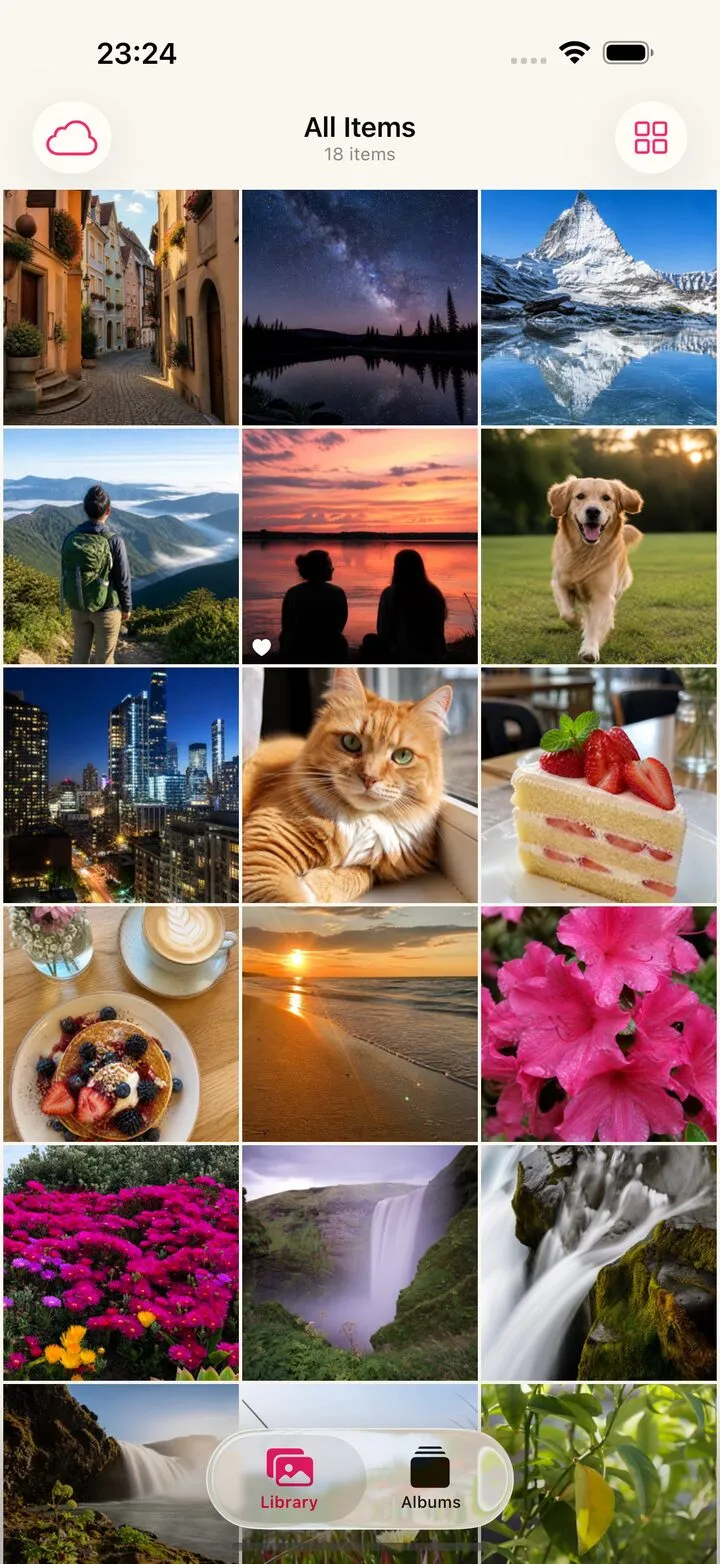
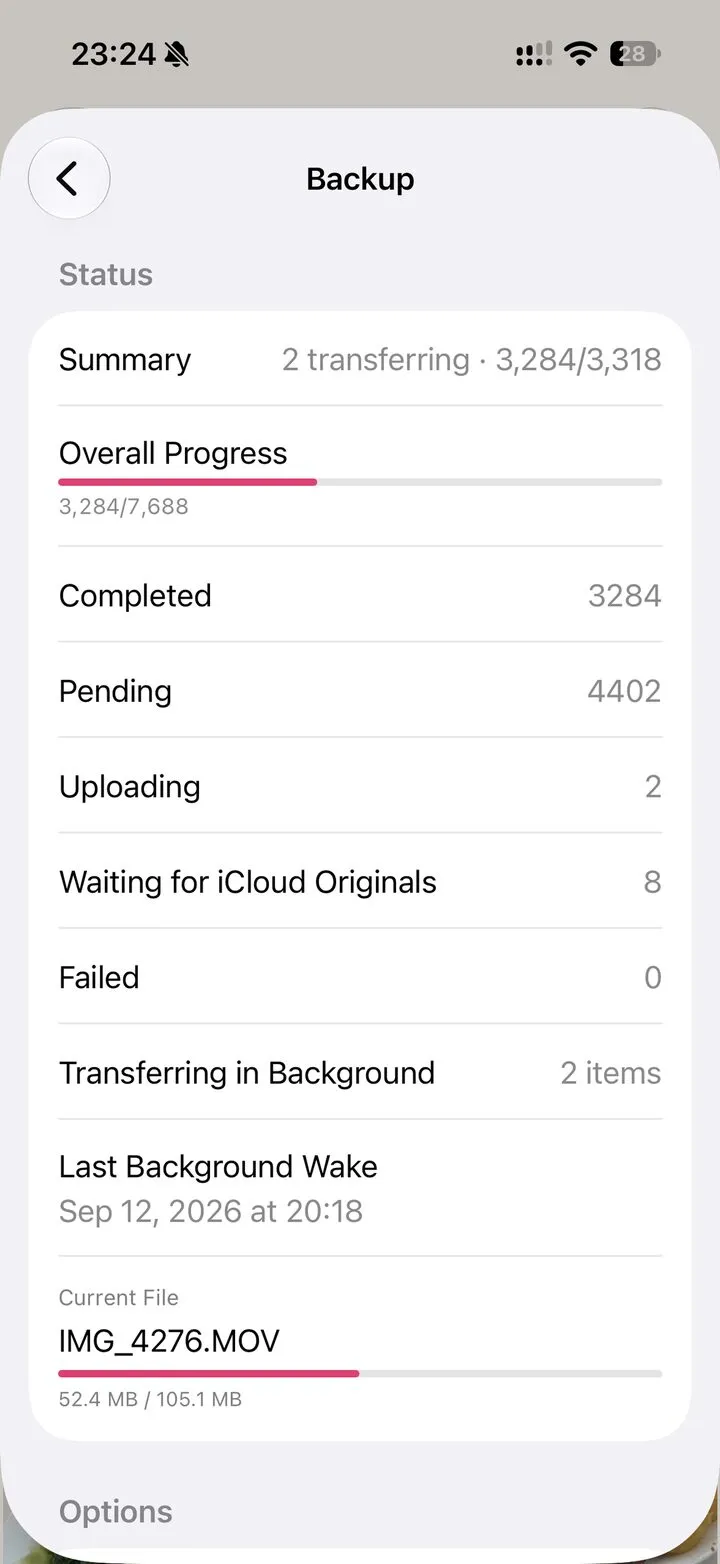
March 2026: 18,432 items, 86.4 GB, iPhone 15 onto a 1 TB disk in 4 h 17 min. Twenty-three filenames with colons were escaped. Zero files lost.
Object-storage keys stay in the device keychain. USB uses the system folder picker. NAS is Samba. Nothing is uploaded to us.
Object-key layout matches across iOS and Android. A USB library or a bucket can be claimed on the next device.
Unplug, lock screen, or a killed background task: the next launch continues from the index. Illegal exFAT names are escaped instead of aborting the job.
Azalea vs Google Photos · Azalea vs Immich
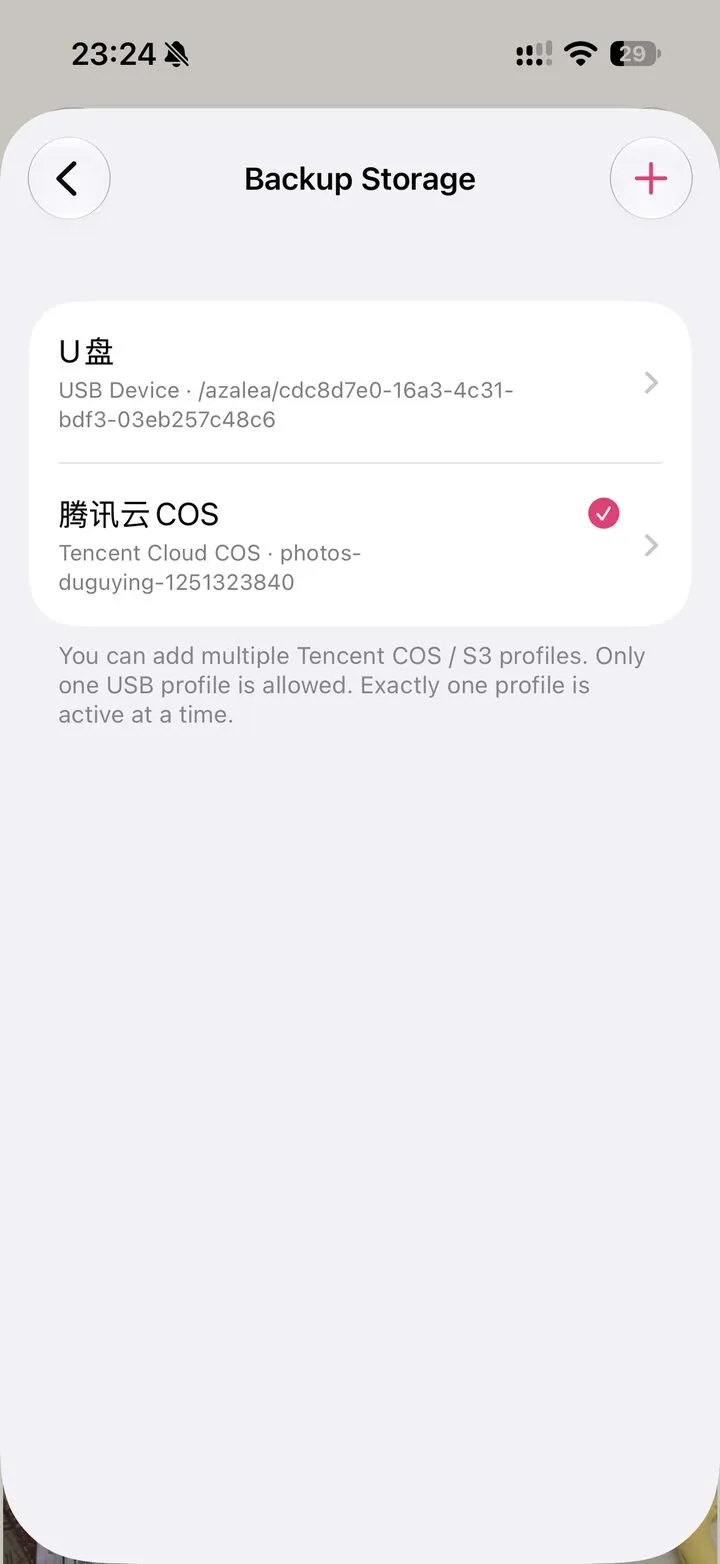
No. There is no Azalea-side bucket. Files go to the COS / OSS / S3 credentials you entered, a USB folder you picked, or a Samba share on your LAN. We never hold originals.
iCloud Photos is tied to an Apple ID, and Optimize iPhone Storage replaces originals with placeholders. Azalea writes the real files onto media you control, which an Android phone can claim. See Azalea vs iCloud Photos.
If you want originals, keys you hold, and USB as a target — the google photos original quality backup job — yes. There is no Google-style search or shared albums. See Azalea vs Google Photos.
iOS will not list mounted disks. You pick a folder once in Files; the app stores a security-scoped bookmark. Plug the same disk in later and grant access again. The volume has to be writable; exFAT is the usual choice.
The system document tree (SAF), not a full-disk crawl. After you pick a tree you must persist the URI permission or it dies on reboot. OTG uses a bridge, not a POSIX path.
exFAT rejects :, *, ? and similar. The engine escapes them reversibly: the logical key stays the name the app knows, the on-disk path is different. In the March 2026 run, 23 of 18,432 items were escaped; the job did not abort.